
No Phone, No Bank Account? How to Break Japan's Catch-22
A phone contract may ask for a bank account, while a bank asks for a phone number. Compare cash-paid SIMs and bank routes that can help newcomers in Japan.
tokyo.how uses affiliate links. If you buy through these links, we may earn a commission at no extra cost to you.
On this page
The Catch-22 Some New Arrivals Face
You walk into a docomo shop to get a phone contract. They ask for a payment method: a bank account or an accepted credit card. You do not have a Japanese bank account yet. A bank application may then ask for a contact number or SMS verification. That can feel like a circular problem, but the requirements depend on the provider and application method.
A phone-first route can help, but it is not the only route: Japan Post Bank’s account-opening app allows applications without a phone number. You register the number at an ATM later.
Here’s what’s important to understand: this deadlock is not a legal requirement. Japan’s Act on Prevention of Improper Use of Mobile Phones requires identity verification (residence card, passport) to get a phone number. It does not require a bank account. The bank account requirement is a business policy set by each carrier — which means carriers with different policies can break the cycle.
Why Major Carriers Can Be Difficult at First
Check the requirements of docomo, au or SoftBank for the plan and application method you intend to use:
Identity: A residence card (在留カード / zairyū kādo) and, where required, a passport or other supporting documents. Accepted combinations depend on the carrier and your status.
Payment: A supported credit card or bank account auto-debit (口座振替 / kōza furikae) is commonly required for a new monthly contract. Do not assume that paying an existing bill in cash means a new contract can be opened with cash alone.
Remaining residence validity can also affect the application. docomo lists additional payment conditions for short remaining periods, and au lists its required documents and payment methods. Check the chosen application channel and any separate device-installment screening before ordering.
The online brands differ too. povo 2.0 accepts credit cards or Paidy; Paidy allows convenience-store payment, but setting it up requires SMS verification and payment conditions apply. LINEMO accepts credit cards or bank account auto-debit. Paidy therefore is not an automatic solution if you have no usable SMS number yet.
A Japanese-issued credit card is not a universal requirement. Check whether your existing foreign-issued card is accepted; if it is not, consider a cash-payment route below.
Bank Account Requirements — Where the Phone Number Matters
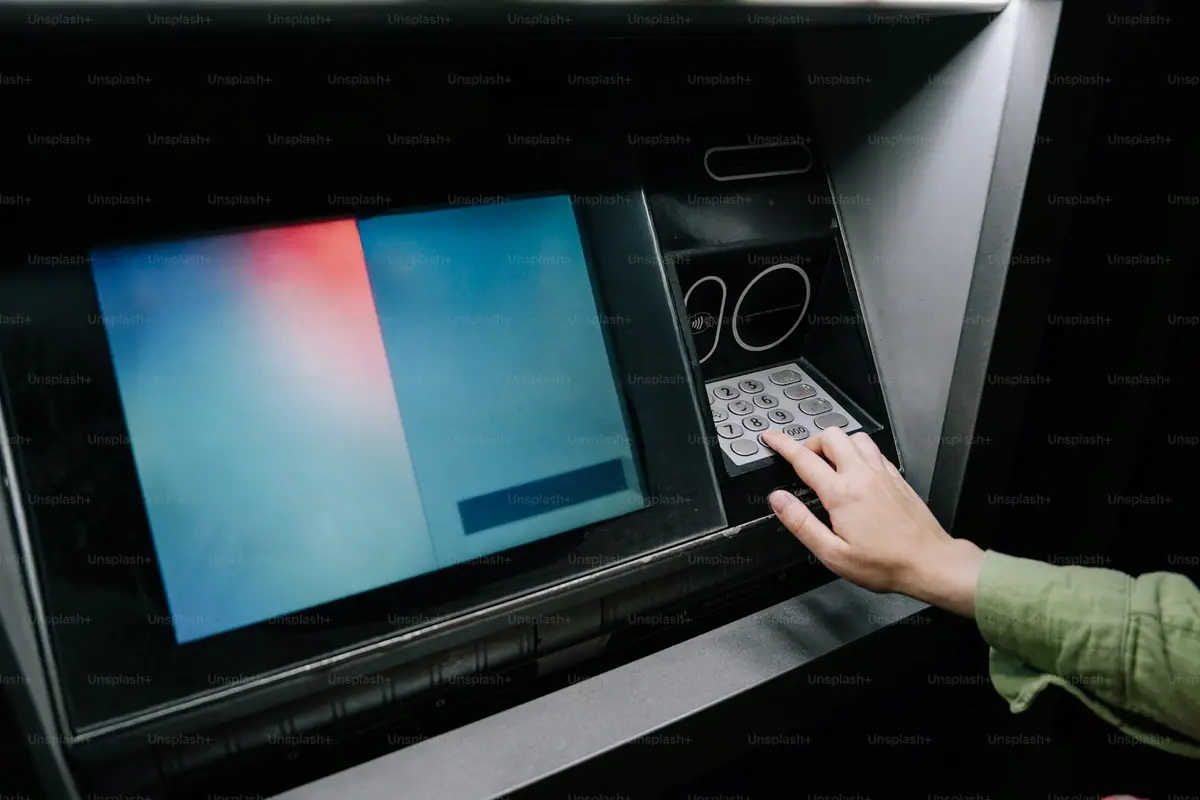
MUFG, SMBC and Mizuho have their own document, screening and application-channel conditions. Under foreign-exchange rules, foreign nationals in Japan for less than six months who are not working at an office in Japan are generally non-residents, subject to other status rules. Employment in Japan can change this classification before six months. Classification affects available services; neither employment nor six months of residence guarantees account approval.
Japan Post Bank (ゆうちょ銀行 / Yūcho Ginkō) requires more than three months remaining on your permitted stay, not three months since arrival. Its foreign-customer FAQ also explains non-resident declarations and screening. Applicants with Student or Technical Intern status must provide a student ID or employee ID as applicable.
The phone number question: Requirements vary. Japan Post Bank explicitly permits an app application without a phone number, with later registration at an ATM. Other banks or channels may require a contact number or SMS. For example, MUFG’s account-opening app requires an SMS-capable phone, but its published document page directs non-Japanese applicants to a branch. Check the bank’s instructions before choosing an application route.
A phone number can make administration easier, but lacking one does not automatically rule out every bank account application.
Breaking the Cycle: Get a Phone Number With Cash
GTN Mobile is one option for getting a number without a bank account or credit card. Mobal also offers Japanese numbers, but its current payment conditions are different.
GTN Mobile
GTN Mobile serves foreign residents and offers convenience-store payment without a bank account or credit card. Follow the bill instructions in its app or email and use a participating chain, including Seven-Eleven, FamilyMart or Lawson. Prepare the identity documents requested for your plan and application method. Multilingual support is available.
Mobal
Mobal offers Japanese voice and SMS plans paid by accepted credit/debit cards or PayPal. It is not a cash-only sign-up route for new customers. MobalPay ended on April 27, 2026; Mobal’s cash-payment instructions apply only to eligible legacy customers. Follow the product’s identity-verification, delivery or collection and activation instructions.
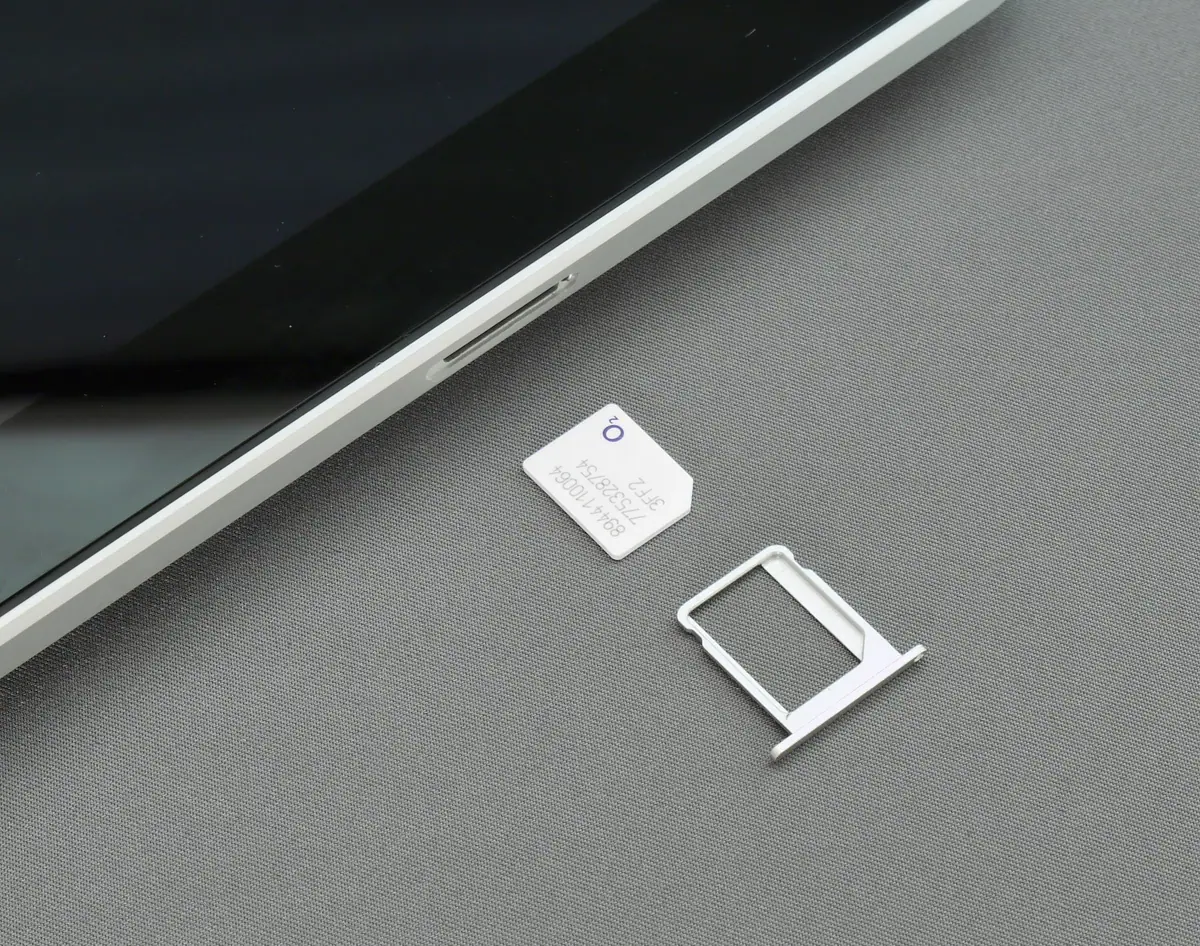
Both providers offer plans with a Japanese number and SMS. Check those features explicitly: a travel data-only SIM without SMS cannot receive bank verification codes. A voice-only plan with SMS can also serve this purpose, but you must arrange data separately if you need it.
The Recommended Sequence After Arrival
Step 1: Arrange a Japanese number if your chosen route needs one
Choose a suitable GTN Mobile plan if you need convenience-store cash payment, or Mobal if you have an accepted card or PayPal method. Prepare the required identification, confirm device compatibility, and allow for screening, collection or delivery and activation. A working number on the day you apply is not guaranteed.
Step 2: Apply for a bank account when you meet its conditions
Check Japan Post Bank’s requirements and choose its app or a branch. Prepare your residence card and any requested supporting documents; a counter application lists a personal seal (印鑑 / inkan). You do not have to wait three months after arrival, and the app offers a route without an existing phone number. Account opening remains subject to review.
You can also ask MUFG, SMBC or Mizuho about your circumstances. Employment evidence may matter before six months; reaching six months does not remove their other requirements.
Step 3: Switch carriers if you want (optional)
A bank account and phone number can widen your carrier options, but identity checks, accepted payment methods and any device-installment screening still apply. You can also prepare for a Japanese credit card application. Compare plans and switch when it makes sense. Staying with GTN Mobile or Mobal long-term is also possible if its plan and payment method suit you.
When Things Don’t Go as Planned
“The address on your residence card doesn’t match”: If you’ve moved since getting your residence card and haven’t updated the address, carriers and banks will flag the mismatch. Visit your local ward office (区役所 / kuyakusho) or city hall (市役所 / shiyakusho) first to update your address.
You need a bank account soon after arrival: Check the bank’s conditions now instead of waiting for an assumed three-month deadline. If you have an employer, ask about payroll-account support and proof of employment. Students can ask their university’s international student office. Support does not guarantee approval.
Your foreign credit card got rejected by a carrier: Acceptance varies by carrier and card. If yours is declined and you need a cash route, check GTN Mobile’s convenience-store payment option. Mobal works only if you can use one of its accepted card or PayPal methods; its former MobalPay route is closed.
You only have a data-only SIM: A plan without SMS cannot receive bank verification codes. Choose a plan with the Japanese number and SMS features required by your bank; voice-only with SMS may be sufficient if you have data separately. Alternatively, check Japan Post Bank’s app route without a phone number.
Alternative Approaches
Rakuten Mobile: Accepts residence cards for identity verification. Payment options include accepted credit cards, debit cards and bank account auto-debit. A supported debit card may let you apply without a conventional credit card. For tourists who only need temporary data, a travel SIM or eSIM is simpler. Auto-debit still needs a supported bank account; confirm card acceptance and other application conditions.
Try a foreign credit card at a major carrier first: Some foreign-issued Visa and Mastercard cards are accepted. Check the chosen carrier and application method. GTN Mobile’s convenience-store payment is a possible fallback if you need to pay in cash.
Cost Comparison: Breaking the Cycle
Compare the plan fee, initial cost and payment method together. The GTN and Mobal examples below are listed prices checked on November 2, 2026; calls, outgoing SMS and optional services can add charges. Other ranges are rough planning figures, not quotes.
| Service | Monthly cost | Setup cost | Payment method | Phone number included? |
|---|---|---|---|---|
| GTN Mobile Eazy (voice + data) | ¥1,200/month (3GB, before optional extras and conditional discounts) | ¥3,300 administration fee | Convenience-store cash, credit card and other supported methods | Yes |
| Mobal (voice + data) | From ¥1,650/month (1GB) | ¥4,950 SIM | Accepted credit/debit card or PayPal; no new cash-only sign-up | Yes |
| Airport data-only SIM | ¥3,000–5,000 (prepaid) | Included | Cash or credit card | No |
| docomo / au / SoftBank | ~¥3,000–7,000/month | Varies | Credit card or bank auto-debit only | Yes |
GTN Mobile’s convenience-store payment can remove the need for a bank account or card at sign-up, subject to its other application conditions. Mobal offers a different card/PayPal route. Choose by the actual plan features: a data-only travel SIM without SMS will not solve an SMS-verification requirement.
A Practical Sequence: From Arrival to More Options
Follow the steps that fit your circumstances. This is a sequence, not a fixed three-, six- or twelve-month eligibility calendar.
First: check the phone and payment route. Apply for a suitable GTN Mobile plan if you need cash payment, or compare Mobal with your available card or PayPal method. Check identification, device compatibility and delivery or collection before arranging activation.
Next: confirm your registered address and documents. Use a working number for applications that need it, and keep your residence-card address current. Ask your employer or school what support and evidence they can provide.
Apply to Japan Post Bank when eligible. Check remaining residence validity and required documents. Its app can accept an application without a phone number; counter and app procedures differ. Allow time for the bank’s review instead of assuming an account will open immediately.
Consider another bank if useful. Ask MUFG, SMBC or Mizuho which services and application channel fit your residence and employment situation. Six months can matter to resident classification, but it is not an automatic approval date. Check debit-card availability separately.
Consider a credit card when you meet the issuer’s requirements. A bank account and phone number alone do not guarantee approval. Rakuten Card is one issuer to compare, with approval subject to its screening. See our credit card guide for application considerations.
Review carrier options when your circumstances change. Compare plans and switch if your current service no longer fits. A bank account or credit card can expand payment options, while each carrier’s other checks still apply.
FAQ
Can I open a Japanese bank account without a phone number?
Yes, in some cases. Japan Post Bank says its account-opening app can accept an application without a phone number; register the number at an ATM after obtaining one. Other banks and application methods have different requirements. GTN Mobile offers a convenience-store cash route if you prefer to get a number first.
How long do I have to wait before opening a bank account in Japan?
There is no universal three-month wait after arrival. Japan Post Bank requires more than three months remaining on your period of stay. Foreign-exchange resident classification can depend on employment in Japan or six months of residence, and each bank checks its own account-opening conditions. Ask your employer or school for help if needed.
What is the cheapest way to get a Japanese phone number?
Compare the total cost of a plan with Japanese calls and SMS. GTN Mobile Eazy lists 3GB at ¥1,200 per month before optional extras, plus a ¥3,300 initial administration fee, and accepts convenience-store cash payment. Mobal accepts cards or PayPal for new customers, so it is not the same cash-only route. A travel SIM without SMS cannot receive bank verification codes.
Can I use a foreign credit card to sign up with a Japanese carrier?
Some foreign-issued cards are accepted, but this depends on the carrier, card and application method. If your card is declined, GTN Mobile offers convenience-store payment. Mobal is another possibility only if you can use one of its accepted credit/debit cards or PayPal payment methods.
Do I need a personal seal (inkan) to open a bank account?
Check the bank and application method. Japan Post Bank lists an inkan and identification documents for counter applications, while its app does not register a seal during account opening. Mizuho also lists an inkan for counter applications. Do not assume that a signature is always an accepted substitute; confirm the required documents before visiting.
Related Articles
- Getting a Credit Card in Japan — Build credit history once you have a phone and bank account
- Ward Office Procedures After Moving — Update your address before applying for phone contracts or bank accounts
- How Payments Work in Japan — PayPay, credit cards, and Suica explained
- How to Find an Apartment in Tokyo — Documents and process for renting
References:
- Ministry of Internal Affairs and Communications, “Act on Prevention of Improper Use of Mobile Phones” https://www.soumu.go.jp/main_sosiki/joho_tsusin/d_syohi/050526_1.files/pdf/070213_1_bt2.pdf (accessed 2026-02-17)
- NTT docomo, “Identity Verification Documents” https://www.docomo.ne.jp/support/identification/ (accessed 2026-02-17)
- au, “Required Items for Application” https://www.au.com/support/service/mobile/procedure/preparation/ (accessed 2026-02-17)
- SoftBank, “Identity Verification Documents” https://www.softbank.jp/shop/support/necessary/id/ (accessed 2026-02-17)
- LINEMO, “Required Items for Application” https://www.linemo.jp/process/necessary/ (accessed 2026-02-17)
- MUFG Bank, “Documents for Account Opening” https://www.bk.mufg.jp/kouza/order/shorui.html (accessed 2026-02-17)
- SMBC, “Account Opening for Foreign Nationals” https://qa.smbc.co.jp/faq/show/2835?site_domain=default (accessed 2026-02-17)
- Mizuho Bank, “Customers with Residence Cards” https://www.mizuhobank.co.jp/account/residence_card.html (accessed 2026-02-17)
- Japan Post Bank, “Account Opening for Foreign Customers” https://www.jp-bank.japanpost.jp/kaisetu/kat_gaikokujin.html (accessed 2026-02-17)
- GTN Mobile, “Payment Methods” https://www.gtn-mobile.com/s/support/paying-bills?language=en_US (accessed 2026-02-17)
- Mobal, “Japan SIM Card” https://www.mobal.com/japan-sim-card/ (accessed 2026-02-17)
- Rakuten Mobile, “Identity Verification” https://network.mobile.rakuten.co.jp/guide/verify/ (accessed 2026-02-17)
- Ministry of Internal Affairs and Communications, “Quarterly Telecommunications Data” https://www.soumu.go.jp/menu_news/s-news/01kiban04_02000255.html (accessed 2026-02-17)
- Japan Post Bank, “Opening an account without a phone number” https://faq.jp-bank.japanpost.jp/faq_detail.html?id=10929 (checked 2026-11-02)
- Japan Post Bank, “Foreign-customer eligibility” https://faq.jp-bank.japanpost.jp/faq_detail.html?id=772 and “Non-resident classification” https://faq.jp-bank.japanpost.jp/faq_detail.html?id=10412 (checked 2026-11-02)
- Japan Post Bank, “Counter documents” https://faq.jp-bank.japanpost.jp/faq_detail.html?id=765 and “App precautions” https://www.jp-bank.japanpost.jp/app/tetsuzuki/app_tz_ja-caution.html (checked 2026-11-02)
- povo, “Service details and Paidy conditions” https://povo.jp/spec/detail/ (checked 2026-11-02)
- GTN Mobile, “Eazy plan” https://www.gtn-mobile.com/s/eazy?language=en_US and “Features” https://www.gtn-mobile.com/s/features?language=en_US (checked 2026-11-02)
- MobalPay, “Service ended April 27, 2026” https://www.mobalpay.com/about-us/ and Mobal, “Cash Payment Option: legacy customers only” https://helpdesk.mobal.com/support/solutions/articles/205000041209-cash-payment-option (checked 2026-11-02)
* This article was translated from the original Japanese with the help of machine translation. Some expressions may not read naturally.
Related Guides

Is the JR Pass Worth It? October 2026 Prices and Itineraries
A 7-day Ordinary JR Pass costs ¥50,000 direct or ¥53,000 through overseas agents. Compare six itineraries, coverage, regional passes, and pickup requirements.

Japan Health Insurance & Pension for Foreigners — Premiums, Coverage & Lump-Sum Withdrawal
Check employer insurance and NHI eligibility, FY2026 premiums, pension lump-sum withdrawal rules, and where to seek help with payments using official sources.

Japan's Job Hunting System for Foreigners (Shinsotsu, Visa, SPI)
A practical guide to Japan's unique employment system for foreigners: shinsotsu batch hiring schedule (junior summer to October), rirekisho and ES writing, SPI prep, interview etiquette, and visa status change (apply December to January). Covers the December 2025 new standards.
Japan Payment Guide: PayPay, Suica & Cards — What Should You Carry?
PayPay, credit cards, Suica, Apple Pay — what works where, what doesn't, and what foreigners should carry in Tokyo. Cash-only spots and contactless tips.
Credit Card in Japan for Foreigners: From Zero Credit History (2026)
No credit history? Here's how foreigners actually get approved. Step-by-step: build your CIC score, pick the right first card (Rakuten, Epos, GTN), and avoid the 6-month rejection trap.