
Japan Payment Guide: PayPay, Suica & Cards — What Should You Carry?
PayPay, credit cards, Suica, Apple Pay — what works where, what doesn't, and what foreigners should carry in Tokyo. Cash-only spots and contactless tips.
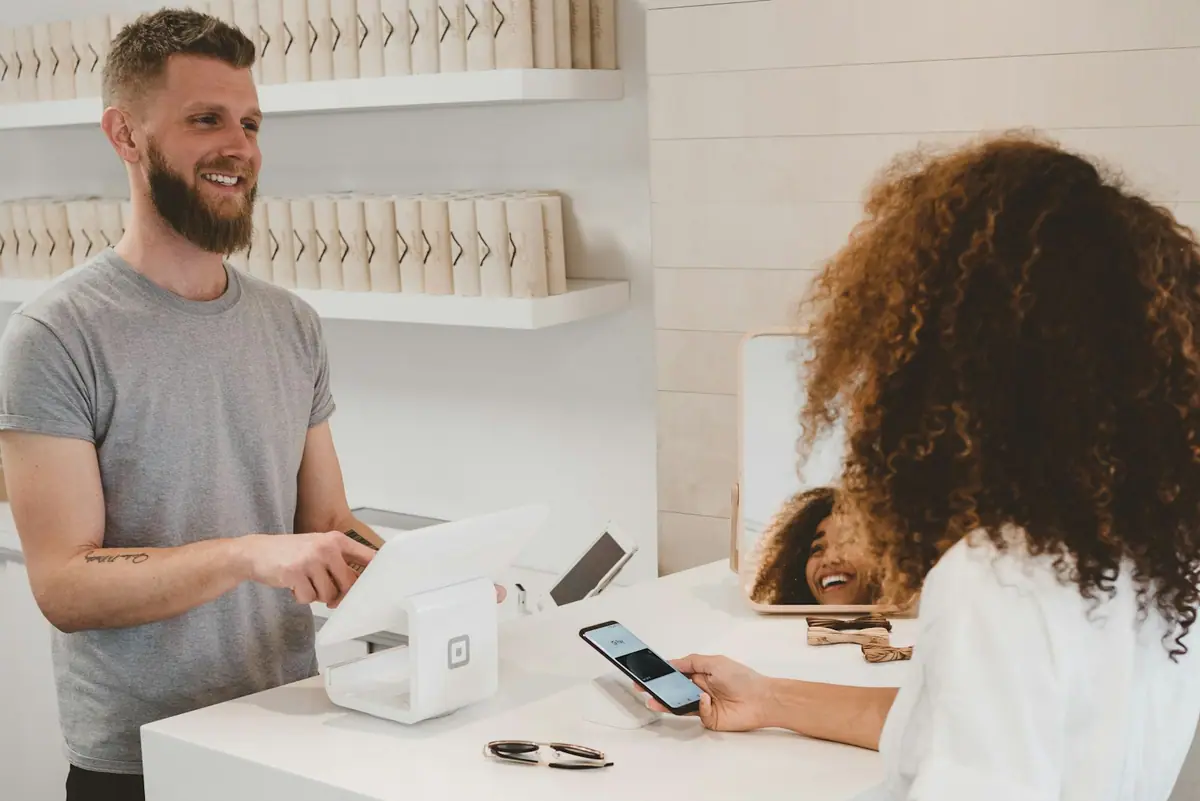
tokyo.how uses affiliate links. If you buy through these links, we may earn a commission at no extra cost to you.
On this page
-
Best setup: Credit card (Visa/Mastercard) + physical Suica or Suica on a compatible phone + ¥10,000–¥20,000 in cash.
-
Skip PayPay — you can’t register without a Japanese phone number.
-
At the register, don’t say “Apple Pay” — say 「クレジットのタッチで」 or 「Visaタッチで」 for contactless, or 「Suicaで」 for Suica.
-
Always carry a physical credit card. Hotel deposits, rental cars, and some ticket machines require a physical card.
-
Cash-only spots still exist. No single payment method covers everything.
-
Ideal setup: Credit card + PayPay + Suica + Apple Pay. This covers virtually every shop in Tokyo.
-
Small shops often accept PayPay but not credit cards (lower merchant fees). PayPay is worth having.
-
At the register, don’t say “Apple Pay” — say 「クレジットのタッチで」 or 「Visaタッチで」 for contactless, or 「Suicaで」 for Suica.
-
Always carry a physical credit card. Hotel deposits, rental cars, and some ticket machines require a physical card.
-
Cash-only spots still exist. Keep around ¥10,000 on hand.
The Payment Landscape in Japan

Japan was long known as a cash-only country, but cashless payments have been accelerating. According to METI (Ministry of Economy, Trade and Industry), the cashless payment ratio reached 39.3% in 2023 and continues to climb year over year.
That said, the on-the-ground reality is messy. You’ll encounter shops that accept credit cards but not QR payments, shops that accept PayPay but not credit cards, and shops that are still cash-only. There is no single payment method that works everywhere.
The major payment methods in Japan are:
- Cash
- Credit cards (Visa / Mastercard / JCB)
- QR code payments (PayPay, Rakuten Pay, d-barai)
- Transit IC cards (Suica, PASMO)
- Mobile wallets (Apple Pay / Google Pay) Large chain stores and department stores almost always accept credit cards. Small independent restaurants and shops, however, may skip credit cards due to processing fees — and instead only accept PayPay (which has lower merchant fees). This is a pattern you’ll see all over Tokyo, especially when booking restaurants in local neighborhoods.
What Is PayPay? Can Foreigners Use It?
PayPay is Japan’s leading QR code payment service, with over 70 million registered users as of July 2025. You scan a QR code displayed at the shop (or show your own QR code) using the PayPay smartphone app. It’s accepted at a huge number of merchants — including small shops, street food vendors, and even some market stalls that don’t take cards.
Key features of PayPay:
-
Massive merchant network — often the only cashless option at small shops
-
Frequent cashback campaigns and point promotions
-
Identity-verification documents have nationality, residence-status and validity conditions; check PayPay’s current accepted-document guidance Can foreigners use PayPay? PayPay describes its service as intended for people living in Japan. Separate registration, identity verification and adding money:
-
Registration requires a Japanese mobile number and completion of the phone-number verification process.
-
Identity verification is a separate step for features such as registering a bank account. Check the current document and residence-status conditions rather than assuming every residence card is accepted.
-
A bank account or credit card is not essential for adding money: cash top-ups at Seven Bank and Lawson Bank ATMs do not require an account at those banks. Cash added before identity verification becomes PayPay Money Lite, which cannot be used to pay taxes.
For short-term visitors without a Japanese mobile number, credit cards, a compatible mobile or physical Suica, and cash are simpler choices. Residents arranging a phone number or bank account can also consult our phone and bank account catch-22 guide.
Credit Cards in Japan
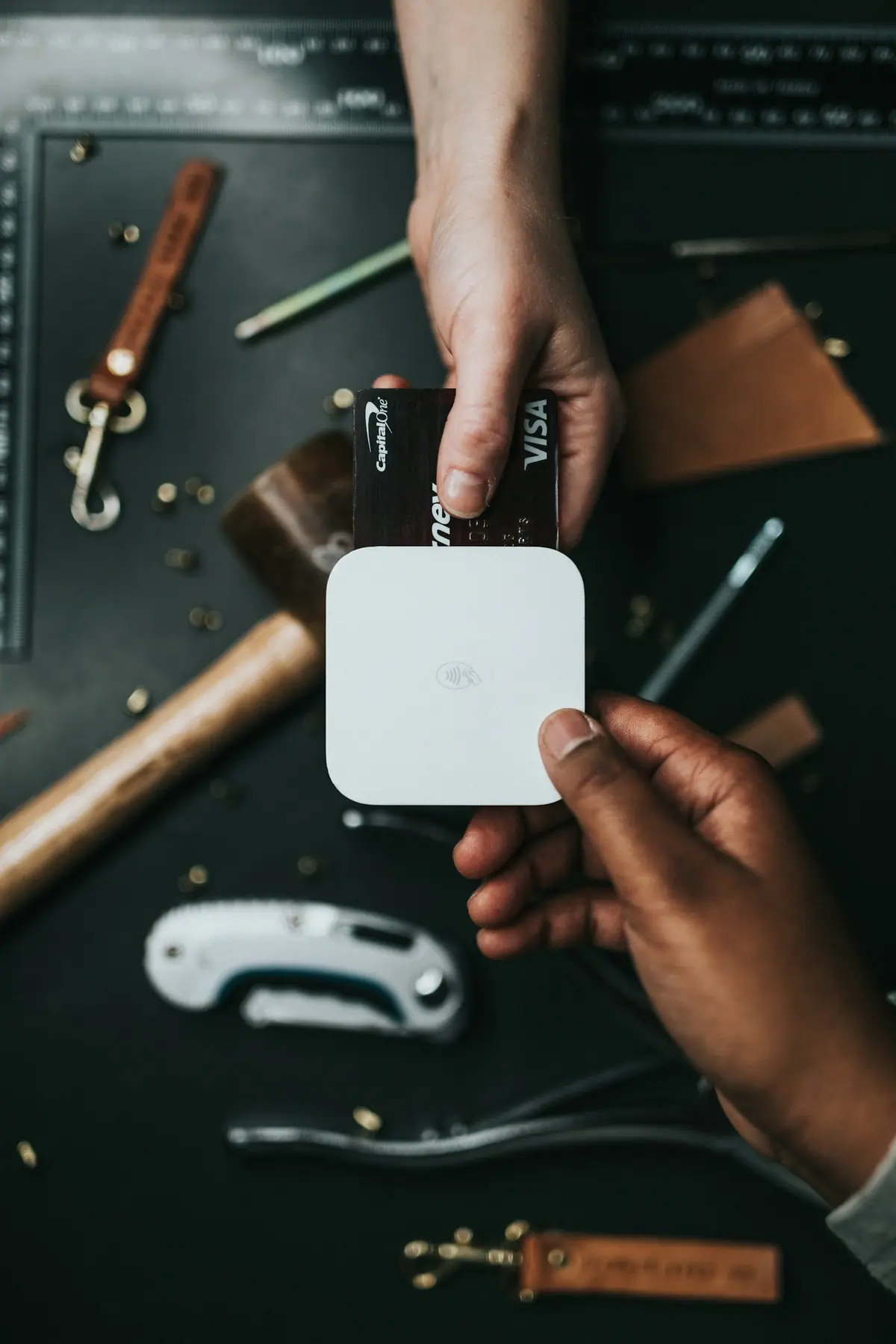
International credit cards (Visa, Mastercard, JCB, Amex) are widely accepted across Japan. For tourists, credit cards are generally the most practical payment method. If you’re a resident looking to get a Japanese credit card, see our credit card guide for foreigners. They work reliably at:
- Hotels
- Department stores
- Large shopping malls
- Convenience stores (7-Eleven, Lawson, FamilyMart)
- Tourist attractions and museums However, small independent restaurants, izakaya, ramen shops, and market vendors may not accept cards. Some of these accept only PayPay or cash. If you see a small shop with no card terminal, ask before ordering — or just carry some cash.
One important caveat: not all stores that accept “contactless” also accept international contactless cards. The terminal might be set up for FeliCa-based payments (iD, QUICPay) rather than EMV contactless (Visa/Mastercard tap-to-pay). This catches many visitors off guard.
Apple Pay in Japan: The FeliCa Trap
Apple Pay works in Japan, but it behaves differently from most other countries. Understanding this will save you frustration at the register.
Overseas: Apple Pay means EMV contactless — you hold your phone to the terminal and your Visa/Mastercard processes via NFC. Simple.
In Japan: Apple Pay also supports FeliCa-based payments — iD, QUICPay, and Suica. These are Japan-specific contactless systems that have been around longer than EMV contactless. Many Japanese store terminals are configured for FeliCa first.
The trap: When you say “Apple Pay” at a Japanese register, the cashier often interprets this as “iD or QUICPay” and selects that mode on the terminal. If your Apple Pay only has a foreign-issued card (which doesn’t support iD/QUICPay), the transaction fails. The same card might work fine if the cashier selects “credit card contactless” instead.
What to say at the register:
- For EMV contactless: say 「クレジットのタッチで」 or 「Visaタッチで」
- For FeliCa (Japan-issued cards with iD/QUICPay): say 「iDで」 or 「QUICPayで」
- For Suica: say 「Suicaで」 Don’t say “Apple Pay” — it’s ambiguous in Japan. Be specific about the payment network.
Transit IC Cards: Widely Accepted Everywhere
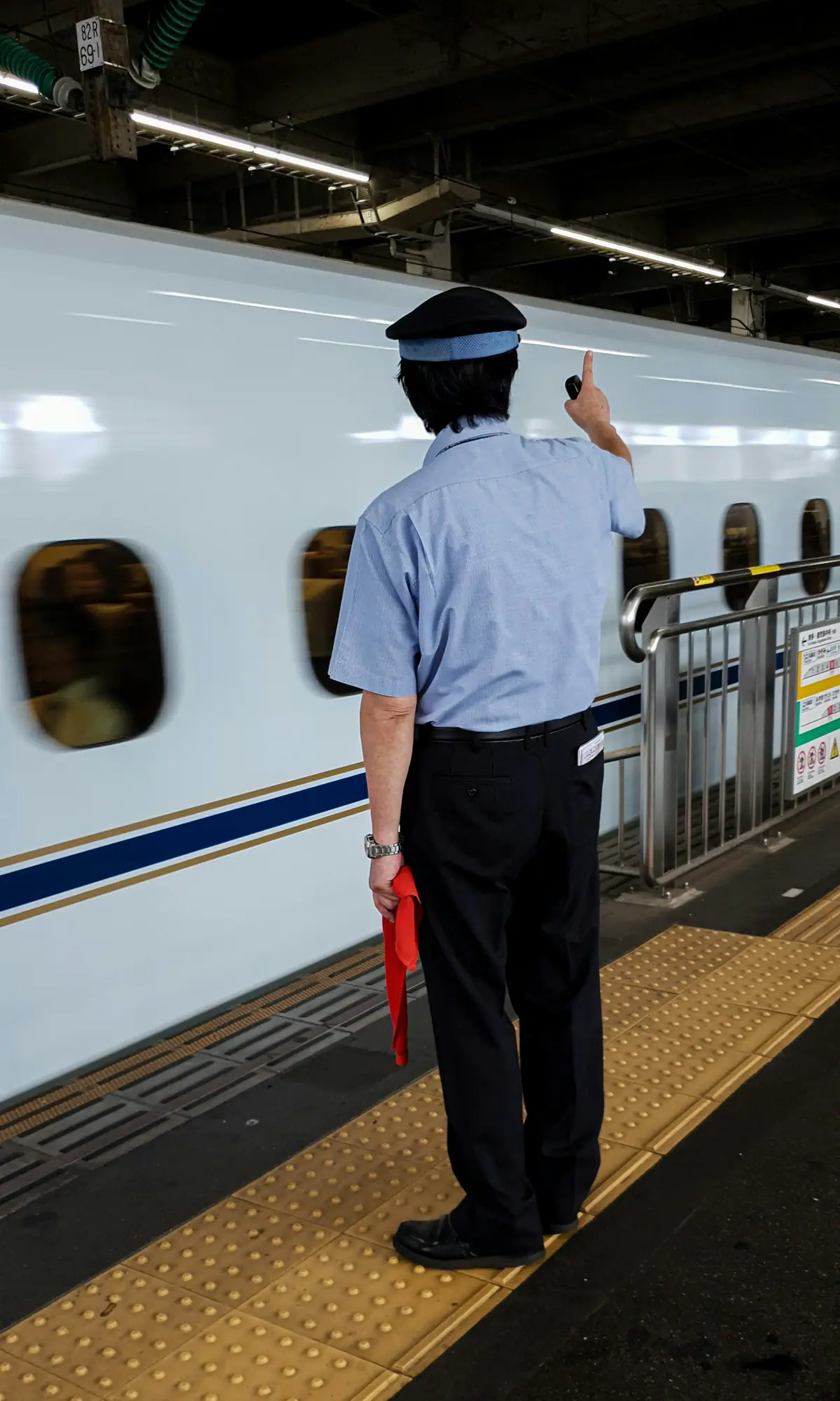
Suica, PASMO, and ICOCA are transit IC cards — originally for trains and buses, but now accepted at convenience stores, vending machines, restaurants, and countless shops. They’re among the most widely accepted cashless payment methods in Japan.
Use Apple Wallet on a supported iPhone with an eligible payment card. On Android, check JR East’s supported models and Osaifu-Keitai requirements; NFC alone does not establish compatibility. Supported Android phones can use Mobile Suica or Google Wallet. If your phone is unsuitable, choose a physical card. Once set up, tap it for participating transport and shop payments; adding a balance does not make it an unlimited-travel pass.
For tourists, this is the single most practical cashless option after credit cards. A Suica handles your train rides, convenience store purchases, vending machines, and many restaurant payments with one tap.
See our Suica guide for setup details.
What Should Foreigners Actually Carry?

For tourists: the winning combination is:
- Credit card (Visa or Mastercard) — works at most medium-to-large shops
- Suica (physical card or compatible phone) — participating trains and shops
- Cash (¥10,000–¥20,000) — for cash-only spots and emergencies PayPay is not necessary for tourists. Don’t stress about it.
For residents: with a Japanese mobile number, you can consider PayPay and choose a supported funding method, including ATM cash top-ups without a bank account. Credit card + PayPay + Suica + a compatible mobile wallet covers many situations, with cash still useful for shops that do not accept them.
One final warning: always carry a physical credit card. Japan’s payment infrastructure is not fully unified. You’ll encounter situations where only a physical card works:
- Hotel check-in requiring a physical card for deposit
- Some department store tenants requiring card presentation for returns or high-value purchases
- Rental car agencies requiring a physical IC-chip card
- Ticket machines and self-checkout kiosks that don’t support contactless
- PIN entry on physical terminals Contactless payments cover most of daily life, but “phone only” will fail you at least once. Carry a physical card as backup — redundancy is peace of mind in Japan.
Related Articles
- Suica Card Guide — How to get and set up a Suica for trains and everyday payments
- Getting a Credit Card in Japan — How to build credit and get your first Japanese card
- Phone & Bank Account Catch-22 — How to break the deadlock when you have neither
- Japan Travel Internet Guide — eSIM, SIM, and pocket WiFi options compared
Sources:
- METI “Cashless Payment Ratio 2023” https://www.meti.go.jp/press/2023/03/20240329006/20240329006.html (accessed: 2026-02-16)
- PayPay Corp. “PayPay Reaches 70 Million Registered Users” https://about.paypay.ne.jp/en/pr/20250715/01/ (accessed: 2026-02-16)
- PayPay, registration requirements and phone verification https://paypay.ne.jp/help/c0032/ and https://paypay.ne.jp/help/c0009/ (checked: 2026-11-02)
- PayPay, service intended for Japan residents https://paypay.ne.jp/help/c0487/ (checked: 2026-11-02)
- PayPay, ATM cash top-ups and Money Lite limitations https://paypay.ne.jp/help/c0087/ (checked: 2026-11-02)
- PayPay, identity verification and accepted documents https://paypay.ne.jp/help/c0118/ and https://paypay.ne.jp/guide/auth/ (checked: 2026-11-02)
- Apple, add a transit card to Apple Wallet https://support.apple.com/en-us/108772 (checked: 2026-11-02)
- JR East, Mobile Suica supported models and Google Wallet https://msfaq.mobilesuica.com/faq/show/76?site_domain=default and https://www.jreast.co.jp/mobilesuica/googlepay/index.html (checked: 2026-11-02)
- Google Wallet, Japan e-money and Osaifu-Keitai requirements https://support.google.com/wallet/answer/12059326?co=GENIE.CountryCode%3DJP&hl=en (checked: 2026-11-02)
* This article was translated from the original Japanese with the help of machine translation. Some expressions may not read naturally.
Related Guides

Is the JR Pass Worth It? October 2026 Prices and Itineraries
A 7-day Ordinary JR Pass costs ¥50,000 direct or ¥53,000 through overseas agents. Compare six itineraries, coverage, regional passes, and pickup requirements.
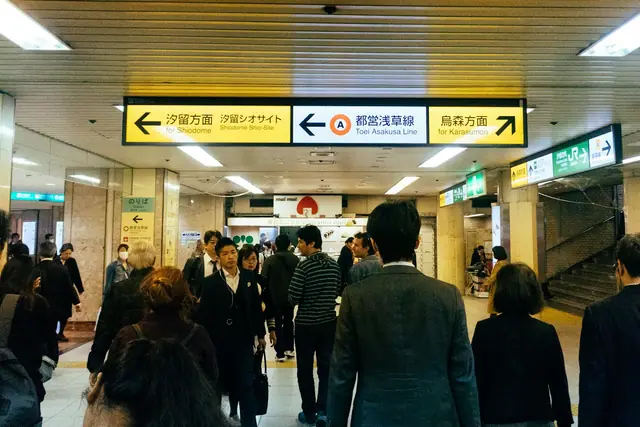
Suica Card in 2026: Buy, Top Up & Use (Physical + Mobile Guide)
Where to buy Suica, child cards, Apple Wallet vs. Welcome Suica Mobile, cash top-ups and refunds: a guide to choosing and using your card.

How to Eat in Tokyo on Less Than ¥2,000 a Day
Matsuya beef bowls for ¥480, Fujisoba noodles for ¥430, supermarket bento for ¥300 after evening markdowns. A practical guide to eating well in Tokyo on a budget, with chain names, prices, and ordering tips.
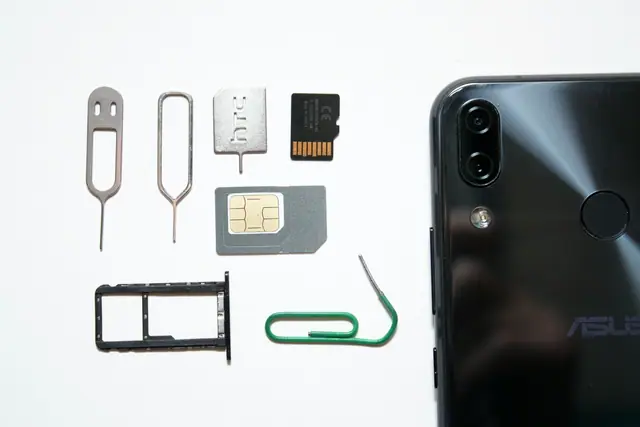
No Phone, No Bank Account? How to Break Japan's Catch-22
A phone contract may ask for a bank account, while a bank asks for a phone number. Compare cash-paid SIMs and bank routes that can help newcomers in Japan.
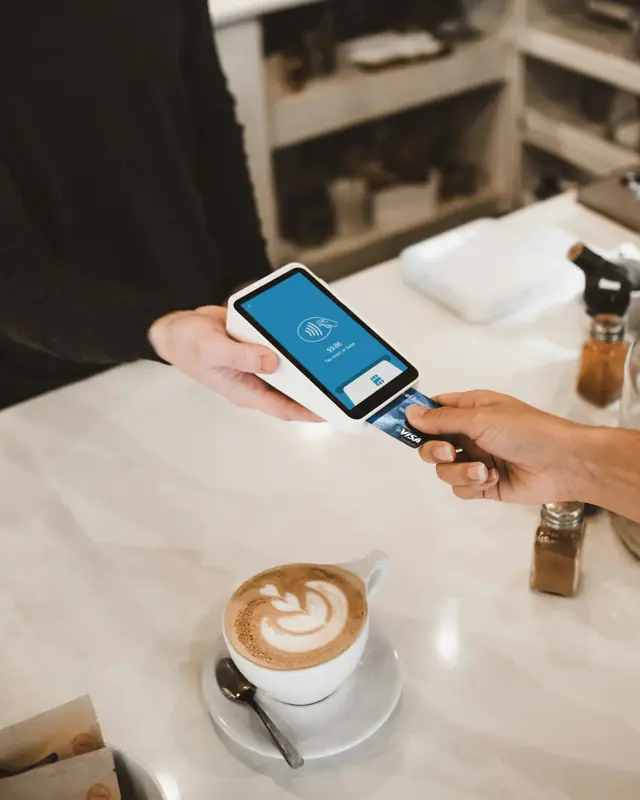
Credit Card in Japan for Foreigners: From Zero Credit History (2026)
No credit history? Here's how foreigners actually get approved. Step-by-step: build your CIC score, pick the right first card (Rakuten, Epos, GTN), and avoid the 6-month rejection trap.