M O N E Y
Κάρτα Suica 2026: Αγορά, Φόρτιση & Χρήση (Οδηγός Φυσικής + Κινητής)
Οι φυσικές κάρτες Suica είναι ξανά διαθέσιμες σε περιορισμένες ποσότητες, αλλά το Mobile Suica σε iPhone λειτουργεί παντού.

What Is Suica?
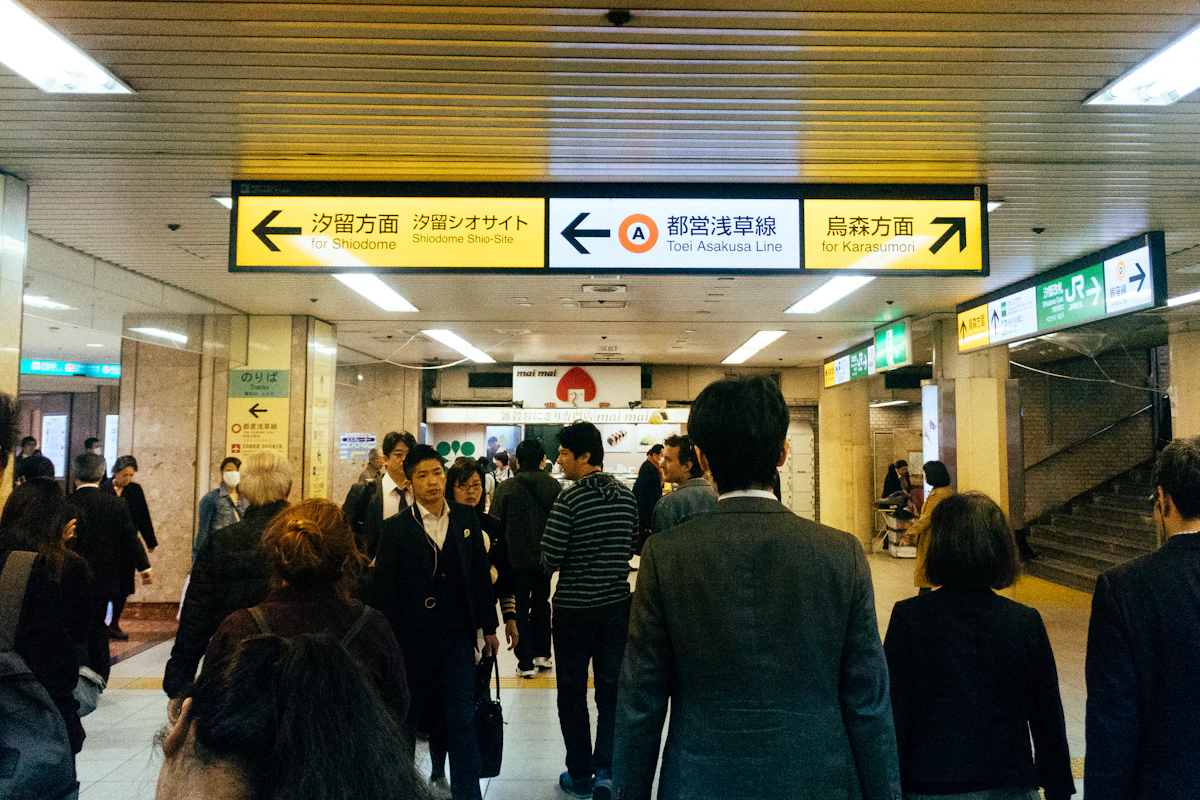
Suica is a rechargeable prepaid IC card issued by JR East. Originally a train and bus pass, it now works at convenience stores, vending machines, restaurants, coin lockers, and thousands of other spots across Tokyo. Station kiosks and vending machines inside train stations accept Suica almost universally — you rarely need cash for anything inside the gates.
Tap through a train gate, get off at your destination, buy a coffee at the station convenience store — all without entering a PIN or signing anything. If you’re still deciding how to pay for things in Tokyo, see our full payment methods guide. The reader responds instantly, so you can walk through the gate without breaking stride. Unlike contactless credit cards, there’s no wait for a network response.
Suica is part of Japan’s 10-card interoperable IC network, so a card purchased in Tokyo works on trains and buses in Osaka, Kyoto, Fukuoka, and every other major city. No need to buy a new card when you travel between cities.
Comparing Your 3 Options
There are three ways for tourists to get a Suica.
| Welcome Suica Mobile | Welcome Suica (Physical) | Regular Suica (Physical) | |
|---|---|---|---|
| For | iPhone users | Short-term tourists | Everyone |
| Where to get it | App Store | Airports & major station Travel Service Centers | JR East station ticket machines |
| Initial cost | Top-up amount only | Top-up amount only | From ¥1,000 (includes ¥500 deposit) |
| Top-up method | Apple Pay (foreign cards OK) | Cash at machines | Cash at machines |
| Validity | 180 days | 28 days | No expiry (10 years from last use) |
| Deposit | None | None | ¥500 (refunded on return) |
| Balance refund | No | No | Yes (¥220 fee) |
Our pick: If you have an iPhone, Welcome Suica Mobile is generally the easiest option — you can top up with a foreign credit card and skip the need for cash entirely. For Android users or those without a smartphone, Welcome Suica (physical) works well for stays of 28 days or less, while a regular Suica card is better for longer stays.
iPhone: Welcome Suica Mobile
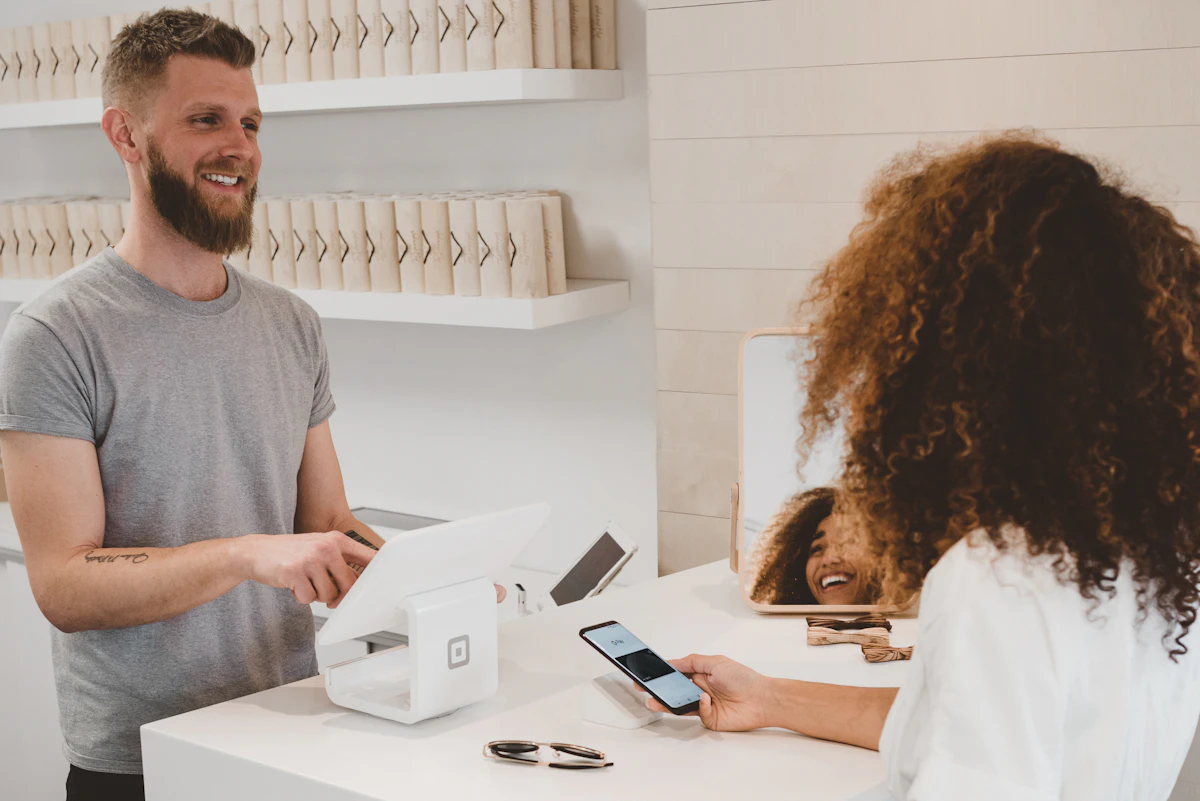
Welcome Suica Mobile is JR East’s app for international visitors, launched on March 6, 2025. It supports English, so you don’t need to read Japanese. The biggest advantage is being able to top up from a foreign credit card through Apple Pay — no cash, no ticket machines, and you can add balance even while riding a train.
Setup Steps
- Search for “Welcome Suica Mobile” on the App Store and download it
- Open the app and set a “secret keyword” (no account registration required)
- Choose a top-up amount and pay with a foreign credit card registered in Apple Pay
- Your Suica is issued and ready to use
The whole process takes about 5 minutes. Compatible devices: iPhone XR/XS or later (iOS 17.2+) and Apple Watch Series 3 or later. Transfer it to your Apple Watch and you can tap through gates with your wrist — no need to pull out your phone.
Pre-Arrival Setup Countries
If you are in South Korea, Taiwan, Malaysia, Singapore, Australia, or Vietnam, you can download the app and issue your Suica before arriving in Japan. Set it up on the plane and you’ll be ready to ride the moment you land. From all other countries, complete the setup after arrival — connect to the airport Wi-Fi and it takes just a few minutes in the arrivals lobby.
Ticketless Shinkansen Boarding
Welcome Suica Mobile supports ticketless boarding on JR East Shinkansen and limited express trains since October 2025. Book your ticket on JR-EAST Train Reservation and board by tapping your Suica at the gate — no paper ticket needed.
Things to Know
- Valid for 180 days from issuance. After that, the balance expires with no refund. You can issue a new Suica within the same app
- Location services must be enabled for issuance and top-ups
- If your iPhone battery dies completely, Suica stops working too. However, on iPhone XS and later, Express Card mode lets you tap through gates for up to 5 hours after the phone powers off. If battery life is a concern, carry a portable charger or keep a physical card as backup
Buying a Physical Card at the Station (Regular Suica)
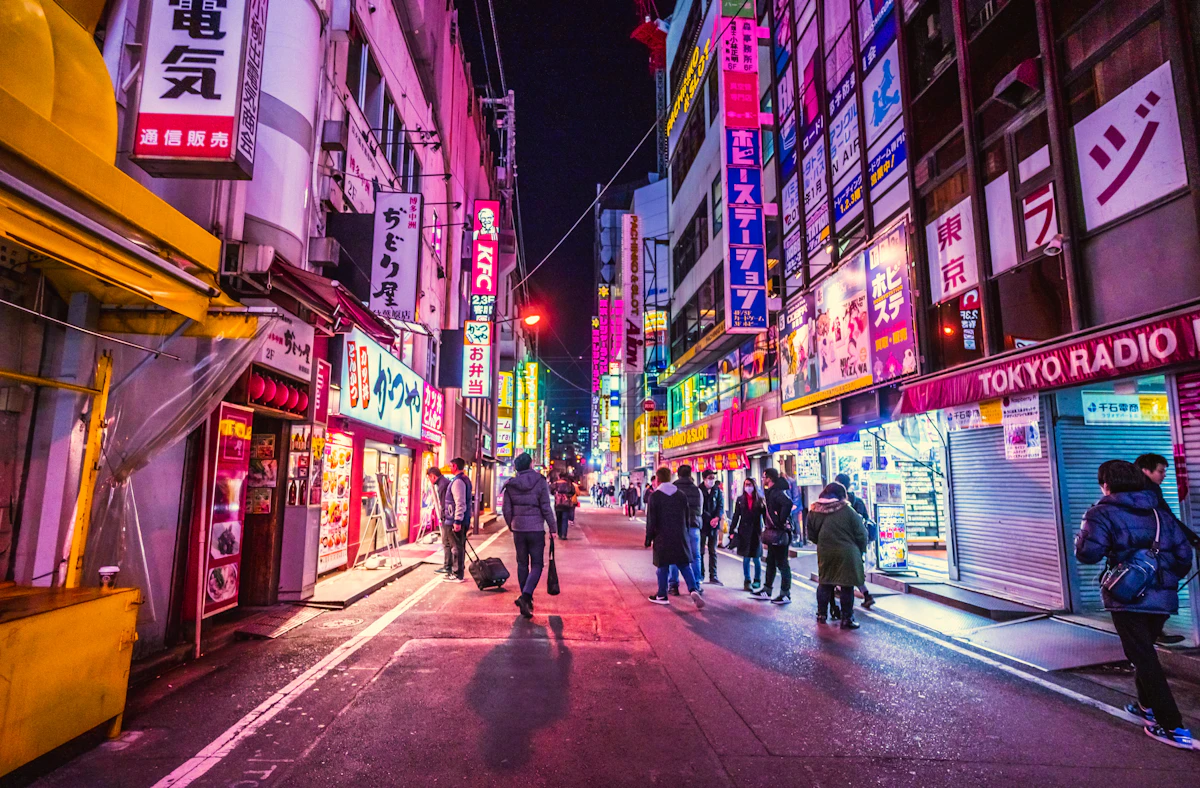
Physical Suica cards were temporarily unavailable due to a global chip shortage starting in 2023, but sales resumed on March 1, 2025. Cards are available at JR East station ticket machines. Cash only — have some ¥1,000 or ¥5,000 bills ready.
How to Buy
- Find a multi-function ticket machine (多機能券売機 / takinō kenbaiki) at a JR East station — the large machines with a black touch screen, not the smaller ticket-only machines
- Tap the “English” button in the bottom right corner to switch languages
- Select “Purchase new Suica”
- Choose an amount (¥1,000, ¥2,000, ¥3,000, ¥4,000, ¥5,000, or ¥10,000)
- Insert cash (bills and coins both accepted)
- Your Suica card is dispensed
Takes 1–2 minutes. The amount you choose includes a ¥500 deposit, so a ¥1,000 card gives you ¥500 of usable balance. Picking ¥2,000 or more covers the train fare from the airport into central Tokyo. The deposit is refunded when you return the card.
Returning Your Card
When you no longer need your Suica, return it at a JR East Midori-no-Madoguchi (みどりの窓口 / “Green Window” ticket office). Narita Airport and Haneda Airport stations both have these offices, so you can handle it before you fly out.
- Balance remaining: deposit ¥500 + balance − ¥220 handling fee returned
- Zero balance: full ¥500 deposit returned (no fee)
- Balance under ¥220: fee is capped at your remaining balance
To get the full ¥500 back, spend down your balance at an airport convenience store or vending machine before heading to the ticket office. You can also choose to keep the card — it stays valid for 10 years from the last use, so if you plan to visit Japan again, taking it home is a practical option.
Tourist Card at the Airport (Welcome Suica)
For short stays, there’s a deposit-free option: Welcome Suica, a cherry blossom-themed IC card designed for tourists. You can keep it as a souvenir when you’re done. The main difference from a regular Suica is that there’s no ¥500 deposit and no need to return it.
Where to Buy
- Narita Airport: JR East Travel Service Centers and dedicated ticket machines at Terminal 1 and Terminal 2/3 stations
- Haneda Airport: Dedicated ticket machines in the Terminal 3 arrivals hall
- Central Tokyo stations: Travel Service Centers at Tokyo, Shinjuku, Ueno, Ikebukuro, and Shibuya stations
You’ll need to show your passport when purchasing. Ticket machines are located in the airport arrivals area, so you can pick one up right after clearing immigration.
Key Features
No deposit, no return hassle, and the cherry blossom design makes a nice keepsake. Valid for 28 days from purchase with no balance refund. Maximum balance is the same ¥20,000 as a regular Suica.
Since it expires after 28 days, start with ¥1,000–¥2,000 at the airport and top up as needed along the way.
PASMO Passport (Discontinued)
Tokyo Metro previously sold a tourist card called “PASMO Passport,” but sales ended in August 2024. Regular PASMO cards are still available at station ticket machines, but Welcome Suica is the only remaining deposit-free tourist IC card.
For Android Users
Android phones purchased outside Japan cannot use mobile Suica.
Adding Suica through Google Wallet requires a device with Osaifu-Keitai (FeliCa) support — a Japan-specific NFC chip not found in overseas models. Samsung Galaxy S series, Google Pixel, and other Android phones sold outside Japan lack this chip, so the Suica option simply does not appear in Google Wallet.
Your option is a physical card. Buy a regular Suica at a station ticket machine, or pick up a Welcome Suica at the airport or a Travel Service Center. A physical card works regardless of your phone model or OS, and you don’t have to worry about battery life.
How to Top Up
The maximum Suica balance is ¥20,000. Top-ups are available in ¥500, ¥1,000, ¥2,000, ¥3,000, ¥5,000, and ¥10,000 increments. Your remaining balance appears on the gate display every time you tap through, so it’s easy to keep track.
At Station Ticket Machines (Cash Only)
- Place your Suica on the ticket machine’s card reader (the flat reading surface below the card slot)
- Select 「チャージ」 (chāji / “Charge”) — or “Charge” if in English mode
- Choose the amount
- Insert cash
- Remove your card
Takes about 30 seconds. Ticket machines at non-JR stations (Tokyo Metro, Toei Subway, private railways) also accept Suica top-ups, so you’re never limited to JR stations. During the morning rush, machines can get crowded — top up while your balance still has room to spare.
At Convenience Store Registers (Cash Only)
7-Eleven, FamilyMart, and Lawson all support Suica top-ups.
You: “Suica no chāji o onegai shimasu” (Suicaのチャージをお願いします / “I’d like to top up my Suica, please”) Clerk: Points to the card reader → Place your Suica on the reader → Select the amount on the screen → Pay with cash → Pick up your card Clerk: “Arigatō gozaimashita” (ありがとうございました / “Thank you”)
If the full phrase feels like a lot, just hold up your Suica and say “chāji” (チャージ / “charge”). The staff will understand.
Welcome Suica Mobile (Apple Pay)
Welcome Suica Mobile can be topped up anytime through the app using a foreign credit card registered in Apple Pay. No cash needed — you can add balance even while riding the train. If you realize your balance is too low just before reaching the exit gate, top up on the spot and tap through. This is the key advantage the mobile version has over a physical card.
Where Suica Works
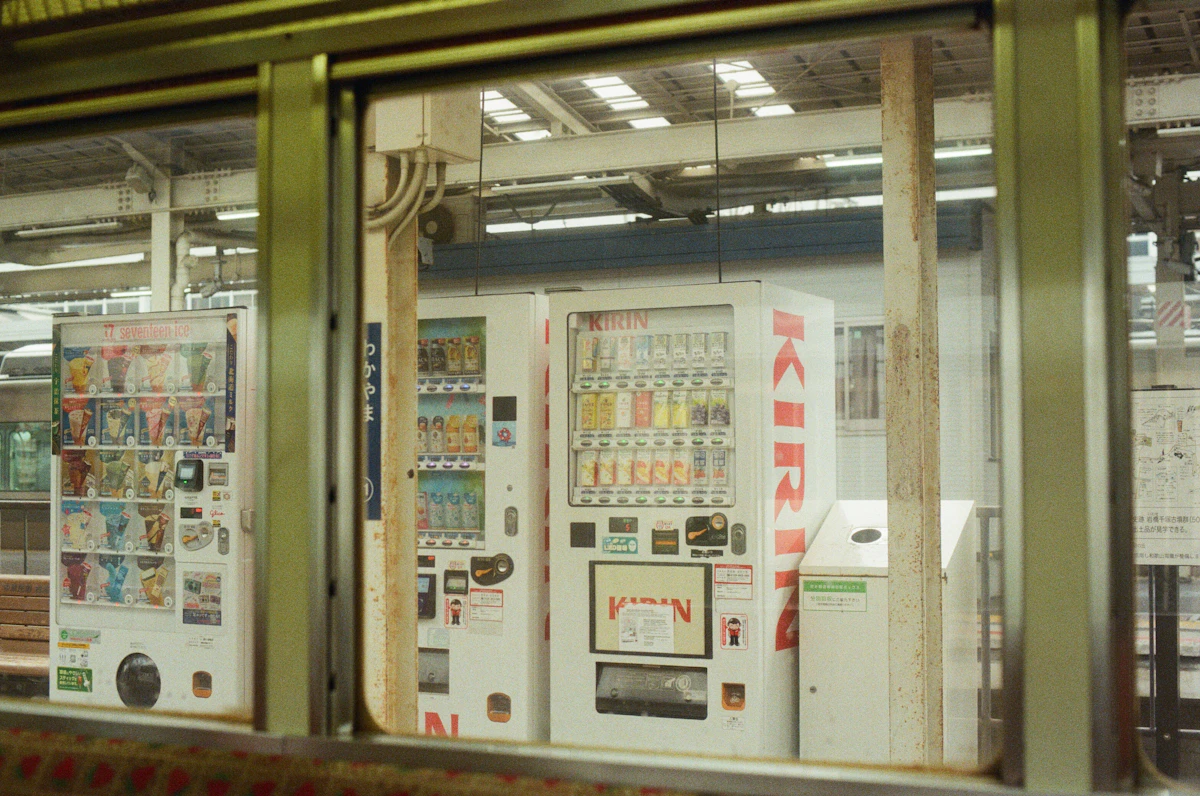
Suica goes far beyond trains.
- Trains & buses — JR, Tokyo Metro, Toei Subway, private railways, city buses. Works on any IC-compatible transit system nationwide. On buses, tap when boarding and again when getting off (on flat-fare Toei buses, tap only when getting off)
- Convenience stores — 7-Eleven, FamilyMart, Lawson. Even for a small purchase, just tap and go — no fumbling for coins
- Vending machines — Most drink and food vending machines accept Suica (look for the IC card symbol). On touchscreen vending machines, hold your card to the reader first to see your balance, then select your drink
- Coin lockers — IC-compatible station lockers use your Suica as the key. Lock your bags, go sightseeing, and unlock with the same card when you return — no coins or physical key needed
- Restaurants & shops — Widely accepted at station buildings, beef bowl chains, and coffee chains. Smaller independent restaurants may not accept IC cards, so check for the IC card logo near the register before ordering
Look for the Suica penguin logo or the IC card symbol on the payment terminal. Within Tokyo, an increasing number of taxis also have IC card readers installed in the back seat.
Using Suica on Trains
Boarding
- Tap your Suica on the card reader at the ticket gate (the blue glowing panel on top of the gate)
- You hear a “pip” sound and the gate opens
- Walk through
Your card can be read through a wallet or phone case in most cases, but if it doesn’t respond, take it out and tap directly. The sensor is the circular area on top of the gate machine.
Exiting
- Tap your Suica at the exit gate of your destination station
- The fare is automatically deducted
- Your remaining balance appears on the display
IC fares are a few yen cheaper than paper tickets and calculated to the exact yen. A small difference per ride, but it adds up over a trip.
Transfers
When transferring between different railway companies (e.g., JR to Tokyo Metro), just tap your Suica at each gate. For detailed transfer tips at major stations, see our station navigation guide. At stations with transfer gates (like Tokyo Station), a single tap handles both the JR exit and the Metro entry simultaneously. At stations without transfer gates, you exit through one set of gates and enter through another — but with Suica, you never need to buy a new ticket for each leg.
If the Gate Closes on You
Don’t panic — the people behind you are used to it. Find the fare adjustment machine (精算機 / seisanki — labeled 「のりこし精算」 / norikoshi seisan) near the gates, insert your Suica, add cash for the shortfall, and you’re through. If you can’t find the machine, head to the staffed gate window — the attendant will sort it out.
Using Suica for Shopping
Clerk: “O-kaikei, ¥350 desu. O-shiharai hōhō wa?” (お会計、¥350です。お支払い方法は? / “That’ll be ¥350. How would you like to pay?”) You: “Suica de” (Suicaで / “By Suica”) Clerk: “Dōzo” (どうぞ / “Go ahead”) → Tap your Suica on the card reader → “Pip” sound → Your remaining balance appears on the display Clerk: “Arigatō gozaimashita” (ありがとうございました / “Thank you”)
Done in about 3 seconds. No PIN, no signature — the smaller the purchase, the more you’ll appreciate how quick Suica is.
Useful phrases:
- 「Suicaで」 (Suica de) — shortest
- 「Suicaでお願いします」 (Suica de onegai shimasu) — more polite
- 「交通系ICで」 (kōtsūkei IC de) — works for any transit IC card (Suica, PASMO, ICOCA, etc.)
At self-checkout machines, select 「交通系IC」 (kōtsūkei IC / “Transit IC”) on screen, then tap the reader. Every convenience store self-checkout has this option, so if you’re not confident with Japanese, self-checkout is a stress-free alternative.
Troubleshooting
| Problem | Cause | Solution |
|---|---|---|
| Gate closes at ticket barrier | Insufficient balance | Use the fare adjustment machine (精算機 / seisanki) near the gates to add cash |
| Error beep at gate | No entry record (missed tap at boarding station) | Go to the staffed gate window and show your Suica |
| No response at store register | Card not positioned correctly | Tap firmly at the center of the reader. Remove thick phone cases |
| Cannot top up | Balance is near the ¥20,000 limit | Spend some balance first, then top up |
| Welcome Suica stopped working | 28-day validity expired | Buy a new card or switch to Welcome Suica Mobile |
| Lost your Suica inside the station | — | Tell the station attendant. They will open the gate for you |
If something goes wrong at the gate, head to the staffed gate window — the attendant will sort it out. Even if they don’t speak English, showing your Suica card communicates the situation. Major tourist stations (Tokyo, Shinjuku, Shibuya, Ueno, Shinagawa) often have English-speaking staff.
Suica vs. PASMO
Suica is issued by JR East; PASMO is issued by Tokyo Metro and private railways. Functionally, there’s no difference — same trains, same shops, same vending machines. You don’t need “Suica for JR, PASMO for Metro.” One card covers every line.
For tourists, Welcome Suica (physical and mobile) are both provided by JR East. PASMO Passport was discontinued in August 2024, making Suica the main dedicated tourist IC card option.
Locals sometimes have a preference between the two, but as a visitor, whichever is easier to get — and that’s usually Suica — is the right choice.
FAQ
What is the difference between Suica and PASMO?
Suica is issued by JR East; PASMO is issued by Tokyo Metro and private railways. Functionally, there’s no difference — they work on the same trains, buses, shops, and vending machines. One card covers every line. For tourists, Welcome Suica is the main dedicated option since PASMO Passport was discontinued in August 2024.
Can I use Suica on my Android phone?
Only if your Android phone was purchased in Japan and supports the FeliCa chip. Android phones purchased outside Japan cannot use mobile Suica. Use a physical Welcome Suica card instead, or switch to an iPhone which supports mobile Suica regardless of where it was purchased.
How do I get a refund for my Suica card?
Bring your Suica card to any JR East station ticket counter. They’ll refund your remaining balance minus a ¥220 processing fee, plus the ¥500 deposit. If the balance is under ¥220, you’ll get back only the deposit. Welcome Suica cards have no deposit and no balance refund.
What is the maximum balance I can put on a Suica card?
The maximum Suica balance is ¥20,000. You can top up at ticket machines, convenience stores, or through the mobile app (iPhone). Each top-up can be done in increments of ¥1,000, ¥2,000, ¥3,000, ¥5,000, or ¥10,000.
Does Suica work outside Tokyo?
Yes, Suica works on trains and buses in 10 major metropolitan areas across Japan, including Osaka, Kyoto, Nagoya, and Fukuoka. It also works at convenience stores and many shops nationwide. However, some rural bus lines and local railways may not accept IC cards.
Related Articles
- How Payments Work in Japan — How Suica fits alongside credit cards, PayPay, and Apple Pay
- Tokyo Travel Pitfalls — Common mistakes tourists make, including train navigation and cash preparation
- Tokyo Last Train Guide — Line-by-line last train times and what to do if you miss yours
- Tokyo Etiquette Guide — Train manners, queuing rules, and social customs
Sources:
- JR East “Resumption of Suica and PASMO Card Sales” https://www.jreast.co.jp/e/press/pdf/0225_suica_en.pdf (accessed: 2026-02-26)
- JR East “Welcome Suica Mobile Launch Press Release” https://prtimes.jp/main/html/rd/p/000001058.000017557.html (accessed: 2026-02-27)
- JR East “Welcome Suica Mobile Ticketless Service Expansion” https://www.jreast.co.jp/press/2025/20250917_ho03.pdf (accessed: 2026-02-27)
- JR East “Welcome Suica Mobile” https://www.jreast.co.jp/multi/wsmlp/ (accessed: 2026-02-26)
- JR East “Welcome Suica Purchase Locations” https://www.jreast.co.jp/en/multi/welcomesuica/purchase.html (accessed: 2026-02-26)
- JR East “Welcome Suica Mobile Pre-Arrival Setup FAQ” https://apfaq.mobilesuica.com/faq/show/6945?site_domain=wsm (accessed: 2026-02-26)
- JR East “Welcome Suica Mobile Validity FAQ” https://apfaq.mobilesuica.com/faq/show/6979?category_id=116&site_domain=wsm (accessed: 2026-02-27)
- JR East “Welcome Suica Mobile Location Services FAQ” https://apfaq.mobilesuica.com/faq/show/6849?site_domain=wsm (accessed: 2026-02-27)
- JR East “How to Top Up Suica” https://www.jreast.co.jp/en/suica/ic/use/chrg/index.html/ (accessed: 2026-02-27)
- JR East “Suica Refund Procedures” https://www.jreast.co.jp/en/suica/ic/procedure/repayment.html/ (accessed: 2026-02-27)
- JR East “Unused Suica FAQ (10-Year Expiry)” https://jreastfaq.jreast.co.jp/faq/show/1048?category_id=27&site_domain=default (accessed: 2026-02-27)
- JR East “2026 Fare Revision” https://www.jreast.co.jp/2026unchin-kaitei/ (accessed: 2026-02-27)
- Apple “Express Cards with power reserve” https://support.apple.com/guide/security/express-cards-with-power-reserve-sec90cd29d1f/web (accessed: 2026-02-27)
- Google “Add e-money cards to Google Wallet (Japan)” https://support.google.com/wallet/answer/13314575?hl=en (accessed: 2026-02-26)
- Apple “Add a Suica card to Apple Wallet” https://support.apple.com/en-us/108772 (accessed: 2026-02-26)
- PASMO “PASMO Passport Abolition Notice” https://www.pasmo.co.jp/visitors/en/ (accessed: 2026-02-26)
* Αυτό το άρθρο μεταφράστηκε από τα πρωτότυπα ιαπωνικά με τη βοήθεια μηχανικής μετάφρασης. Ορισμένες εκφράσεις μπορεί να μην ακούγονται φυσικές.


